


Start with the student
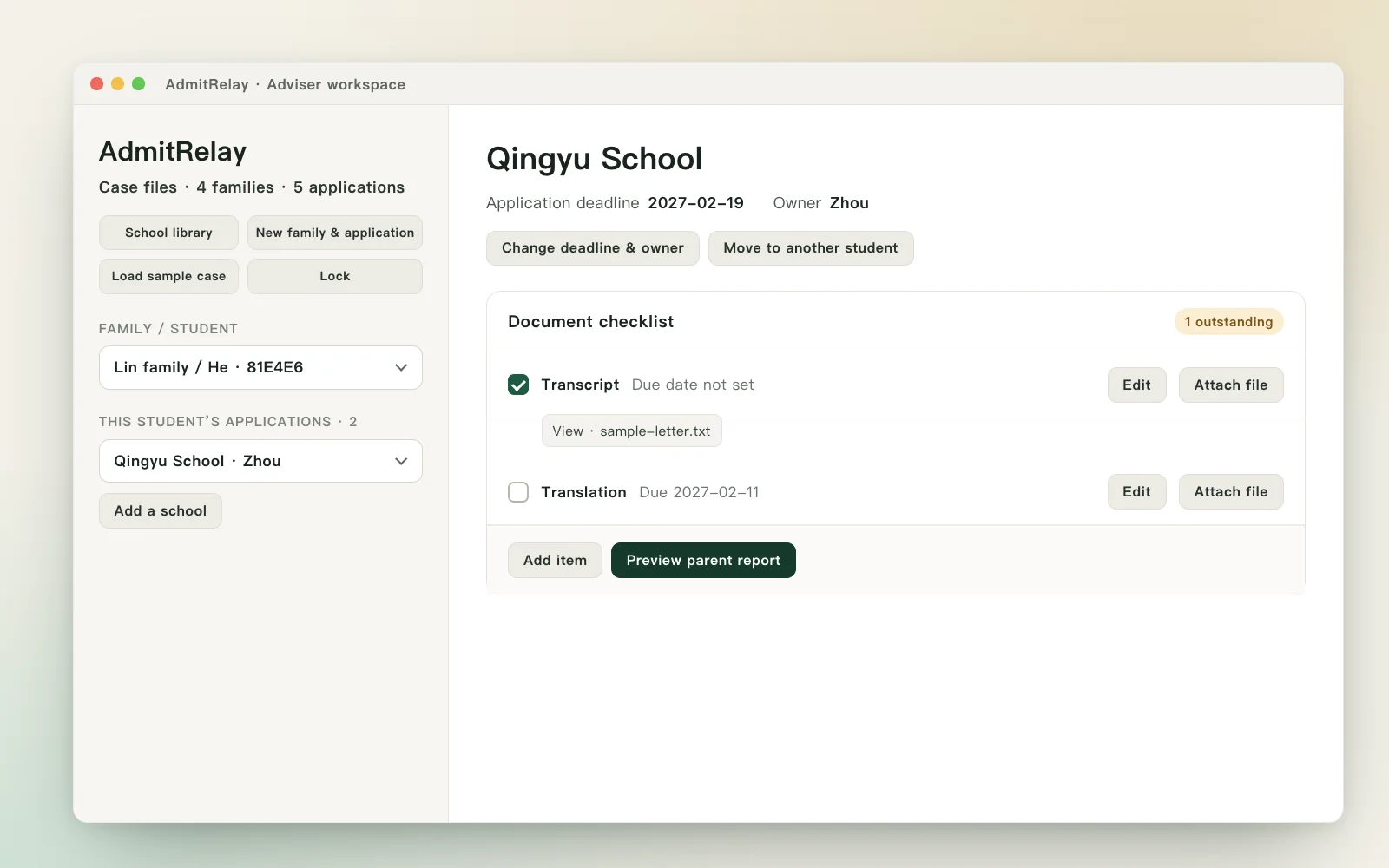
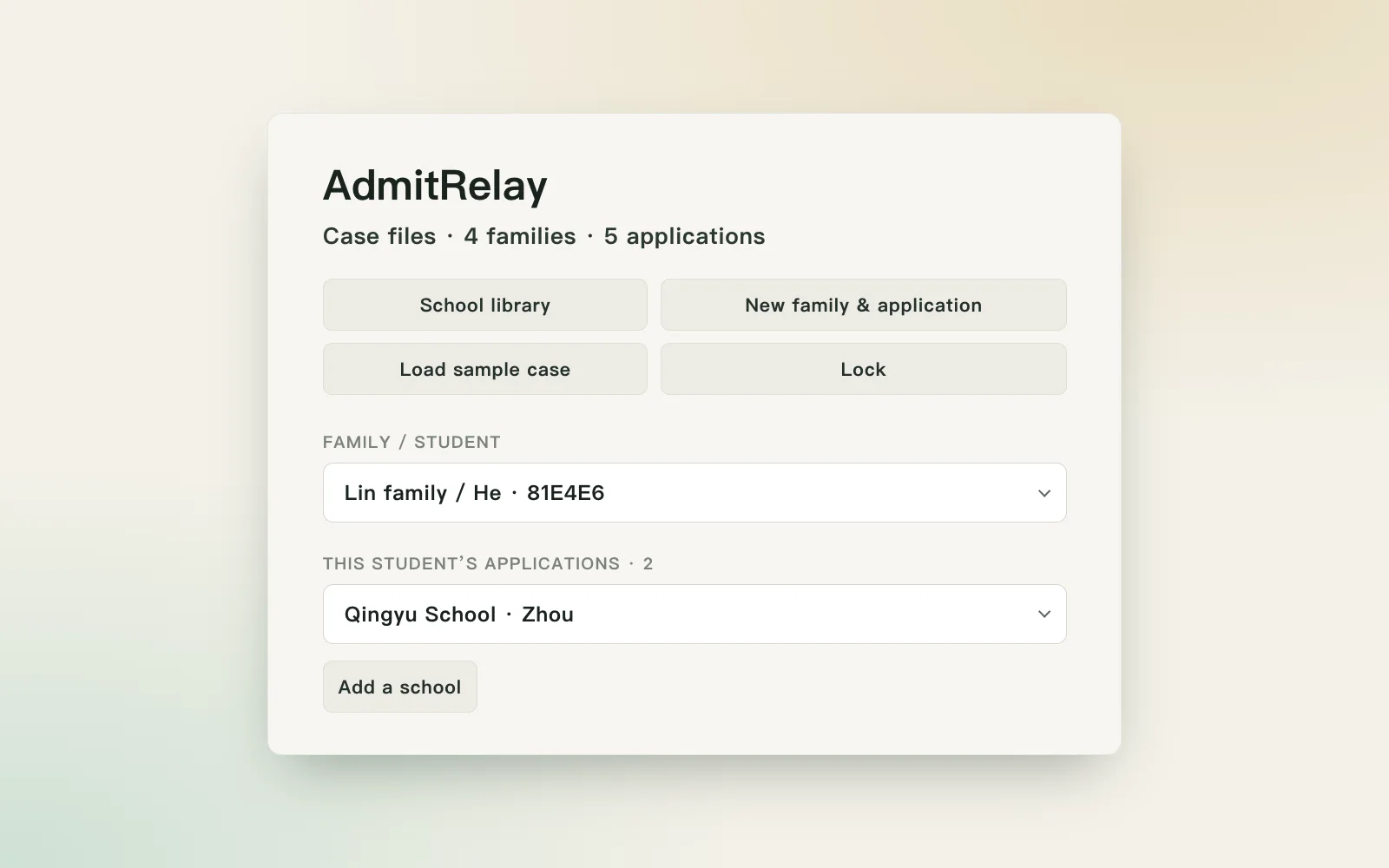
A case file holds the context that follows the student across a shortlist. Start here when a family first explains the intended entry term, current schooling and documents already available.
Make a shortlist defensible
School comparison brings the evidence for a recommendation into view. Trace a fee to its published year or check which campus teaches the course a family wants.
Work the live applications
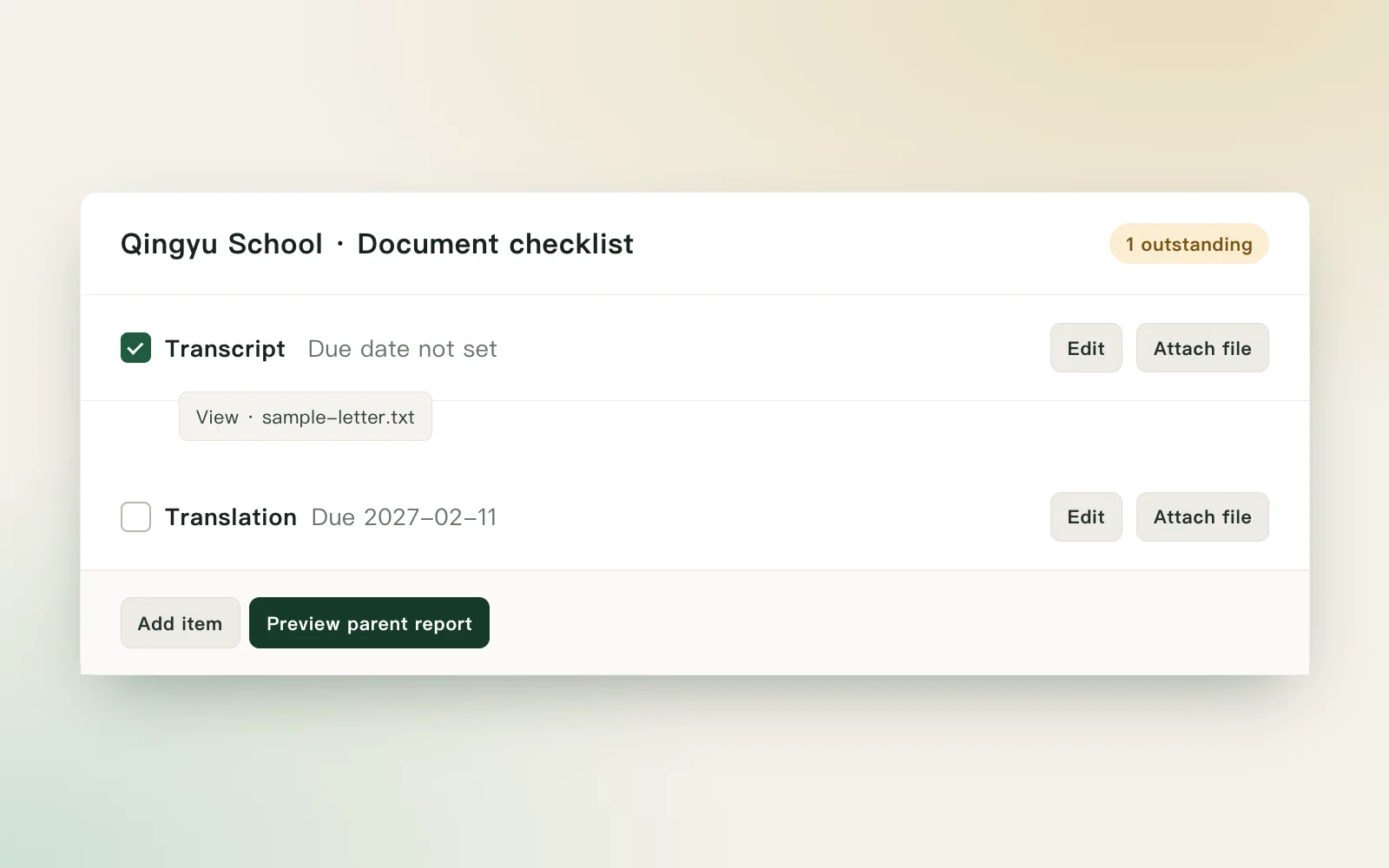
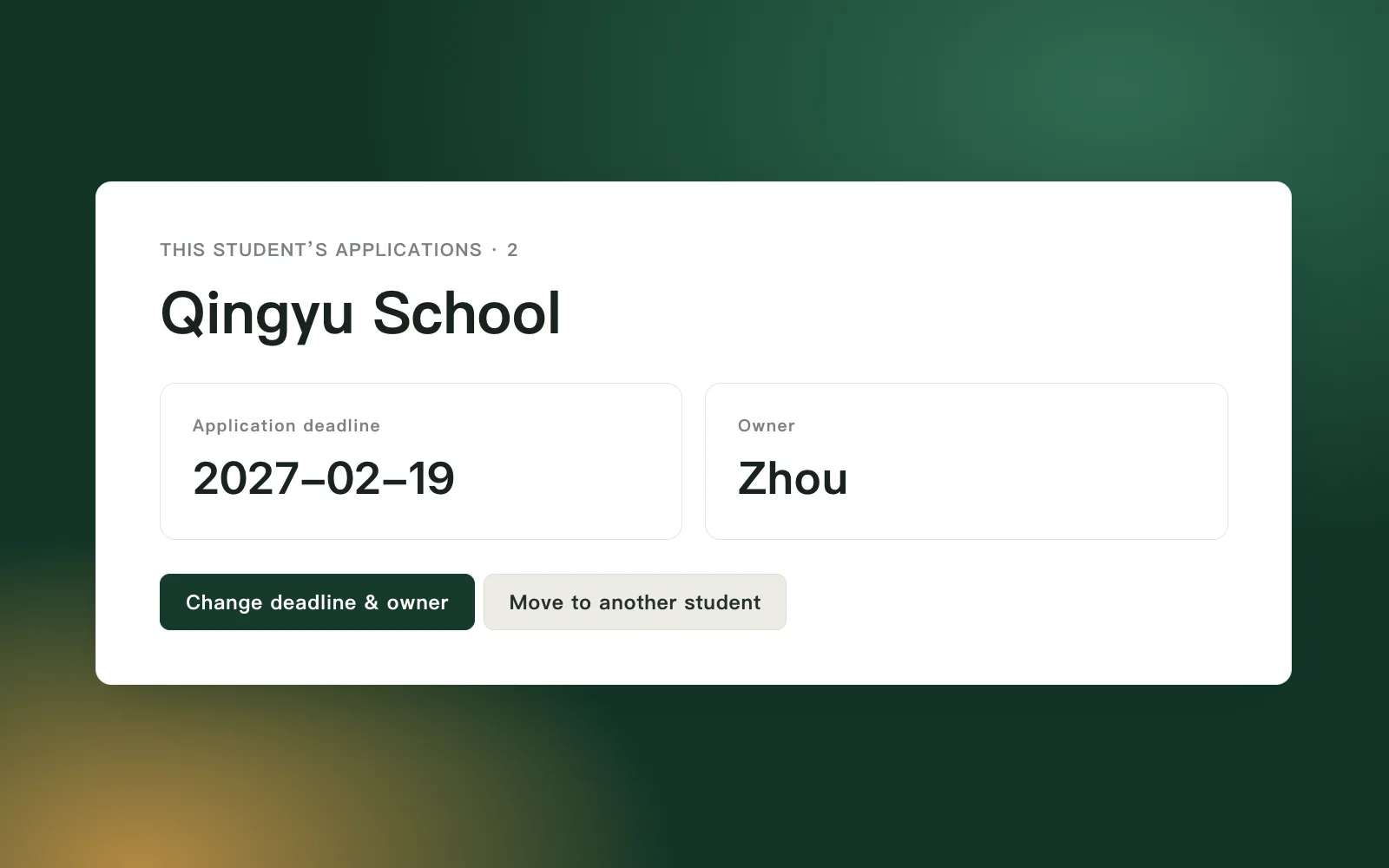
The checklist describes what each school expects. The deadline view helps an adviser decide whether to chase a reference today or prepare a form for a later application.
Close the loop with a family
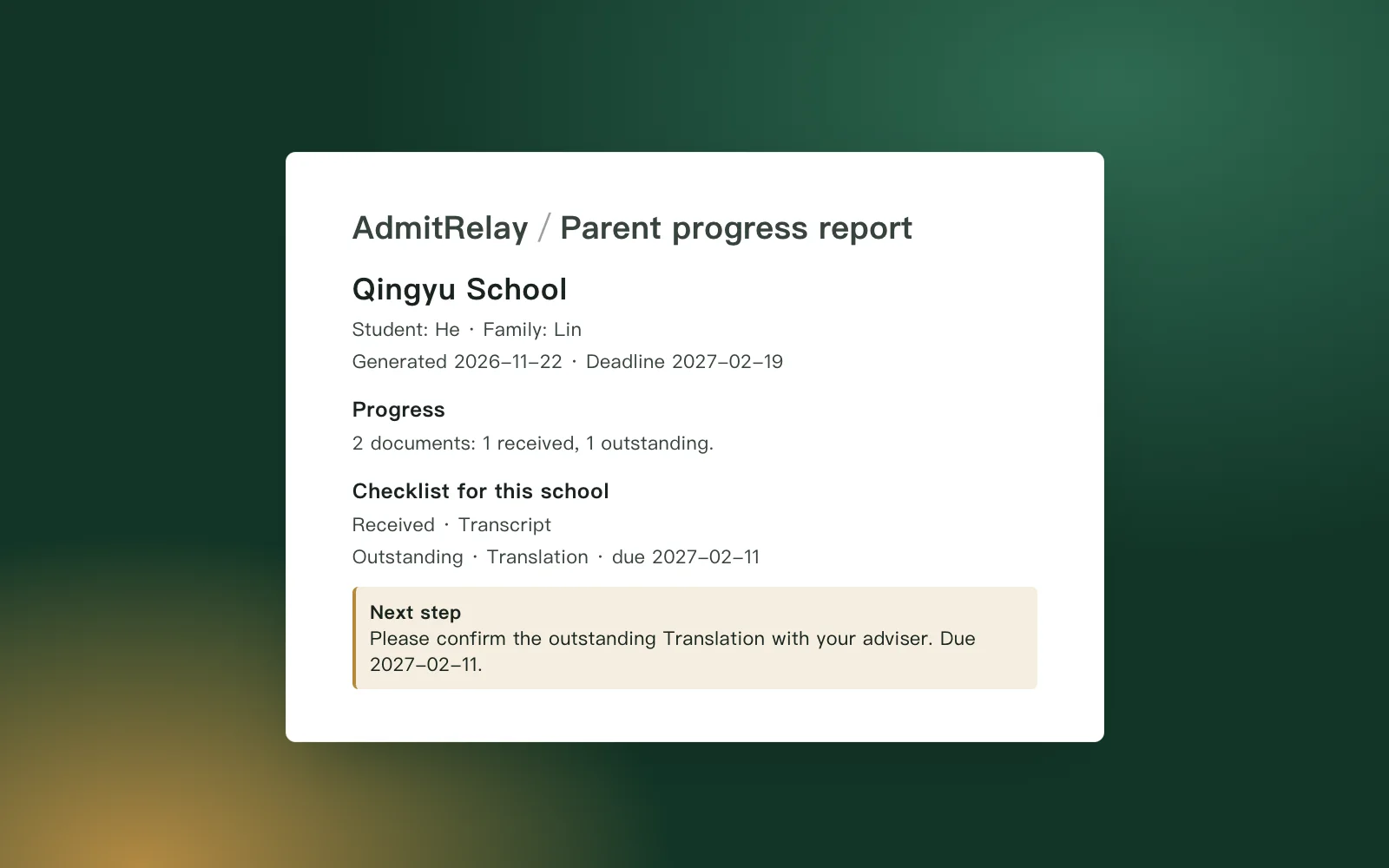
A progress report gives parents a readable account of each application. Once an offer arrives, move on to the conditions, deposit and enrolment dates that shape the family's decision.